
You send a message. Maybe it's a WhatsApp chat, maybe it's a phone call, maybe it's an email reply. Thirty seconds later, you have a confirmed appointment sitting on your calendar no hold music, no "let me check with the team," no back-and-forth about time zones.
It feels simple. It isn't.
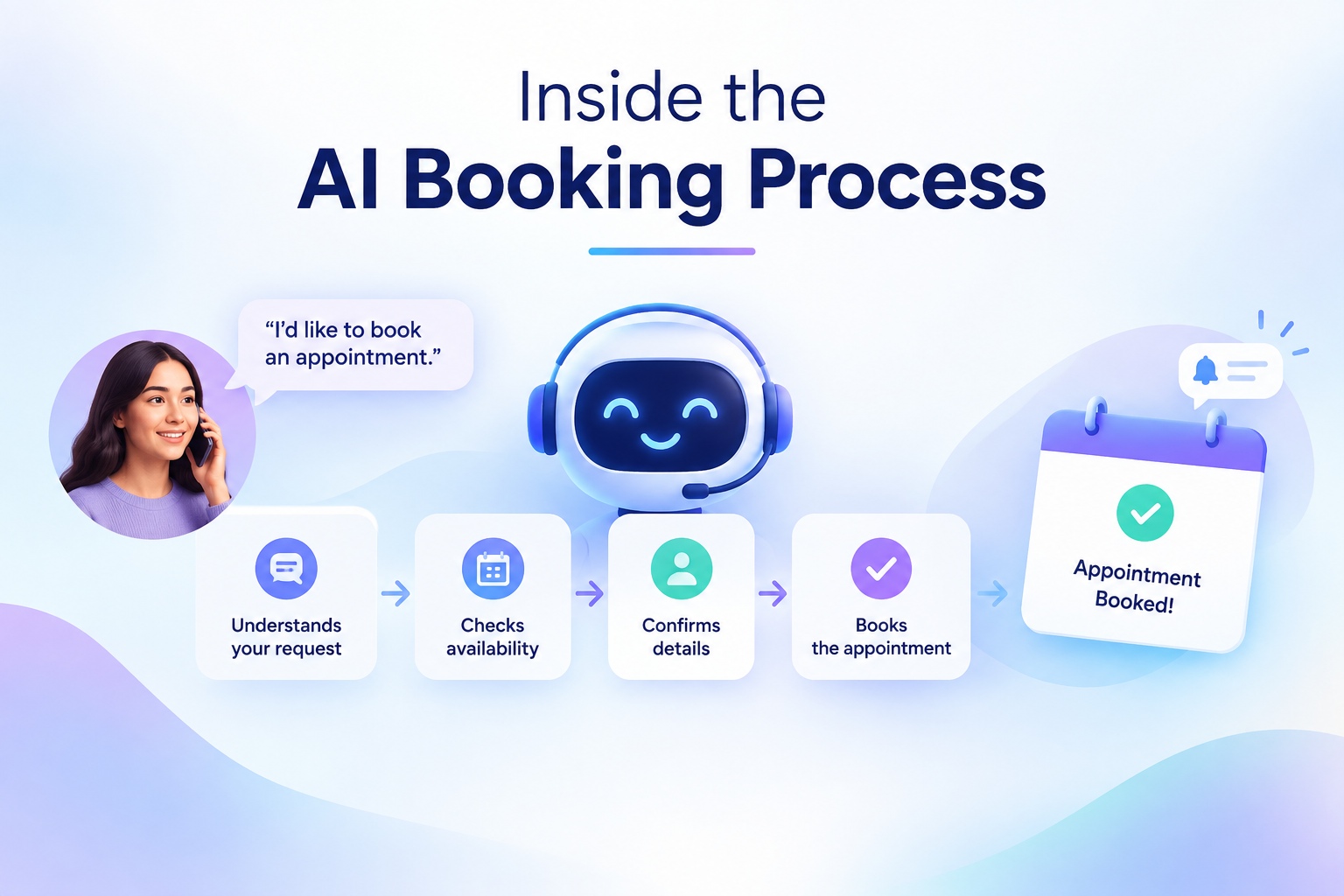
Behind that one confirmation message sits a coordinated sequence of understanding, verification, and system updates all happening in the time it takes you to put your phone back in your pocket. Let's pull back the curtain on what actually happens when an AI agent books an appointment, step by step.
Step 1: Understanding What You Actually Want
Before anything gets booked, the AI agent has to understand intent not just keywords. If you say "I need to see a doctor next week" versus "can I reschedule my Tuesday call," those require completely different actions.
This is where natural language processing (NLP) comes in. The agent parses your message or spoken words, identifies the intent (new booking, reschedule, cancellation, or general inquiry), and extracts the relevant details service type, preferred dates, urgency, and any special requirements you've mentioned.
Well-built agents don't stop at surface-level parsing either. They ask clarifying questions when something's ambiguous, the same way a trained receptionist would. "Did you mean this Thursday or next Thursday?" isn't a scripted fallback it's the system catching uncertainty before it turns into a scheduling error.
Step 2: Qualifying the Request
Not every inquiry deserves a slot on the calendar. A well-designed appointment-booking agent asks a few qualifying questions first what kind of appointment is needed, who it's for, whether there's a specific department or specialist involved.
This matters more than people realize. A business that lets anyone book anything ends up with a calendar full of mismatched meetings and no-shows. Qualification filters interest before it becomes a booking, so the time that does get scheduled is time worth having.
Step 3: Checking Real Calendar Availability
Here's where things get technical. The AI agent doesn't just guess at open slots it connects directly to your calendar system (Google Calendar, Outlook, Calendly, or a practice management tool) through an API integration.
This connection is checked in real time, which means:
- No slot is offered unless it's genuinely open at that moment
- Buffer times, working hours, and staff availability rules are respected
- Multiple people booking simultaneously never results in a double-booking
This is the piece that separates a true AI scheduling agent from a simple chatbot with a scripted menu. The system is talking to your live calendar, not a static list of "usual hours."
Step 4: Matching the Right Resource
For businesses with multiple staff members, locations, or service types, the agent also has to match the request to the right resource. A clinic might need to route a booking to a specific doctor; a service business might need to assign the nearest available technician.
This matching logic runs on rules configured during setup who handles what, which locations serve which areas, and how load gets balanced across the team so no one gets overbooked while others sit idle.
Step 5: Locking In the Slot
Once a time is agreed on, the agent writes the appointment directly into the calendar system instantly, so the slot disappears for anyone else trying to book at the same moment. This is the exact mechanism that prevents the classic double-booking headache.
Simultaneously, the system typically:
- Creates a record in the connected CRM
- Generates a calendar invite or meeting link if needed
- Logs the conversation transcript for reference
Step 6: Confirming Across the Right Channel
A booking isn't done until it's confirmed. The agent sends an immediate confirmation often on the same channel the conversation happened on, sometimes across multiple channels for redundancy. A voice booking might get a WhatsApp confirmation right after the call ends; a WhatsApp booking might trigger a formal email with full details and a calendar invite attached.
This multi-channel confirmation isn't just a nice touch it's what builds trust in an automated system. People want proof the booking actually happened, not just a promise.
Step 7: Reducing No-Shows With Reminders
The work doesn't stop once the appointment is booked. Automated reminders are scheduled to go out at set intervals a day before, a few hours before, sometimes both nudging the customer without requiring anyone on staff to manually track and send them.
If a customer wants to reschedule after receiving a reminder, the same agent handles that too: it checks new availability, updates the calendar, and sends a revised confirmation, closing the loop without human intervention.
Step 8: Handing Off When It Matters
Not every conversation should end in automation. When a request is too complex, sensitive, or outside the agent's configured rules, a properly built system recognizes this and hands off to a human instantly, with the full conversation context attached. This is what keeps automated booking trustworthy: the AI handles the repetitive 80%, and people step in for the moments that genuinely need a human touch.
Why This Matters for Businesses
For a customer, all of this happens invisibly they just see a confirmed appointment. But for a business, this sequence is what turns scheduling from an operational bottleneck into a growth channel. Every qualifying question, calendar check, and reminder is working in the background to increase booking rates, cut no-shows, and eliminate the back-and-forth that causes prospects to lose interest before a meeting ever gets locked in.
Platforms such as Aavtaar.ai are built around exactly this workflow using AI voice, WhatsApp, and email agents that qualify inquiries, sync with live calendars, and book, confirm, and remind customers automatically across every channel a business operates on. Because the agents share one brain and one set of records, a customer who starts a booking over the phone and follows up on WhatsApp never has to repeat themselves.
The Bottom Line
An AI agent booking an appointment looks effortless from the outside, but underneath it's a tightly coordinated process understanding intent, qualifying the request, checking real-time availability, locking in the slot, confirming across channels, and following through with reminders. It's this behind-the-scenes precision that makes automated scheduling not just convenient, but genuinely reliable for both businesses and the customers they serve.