
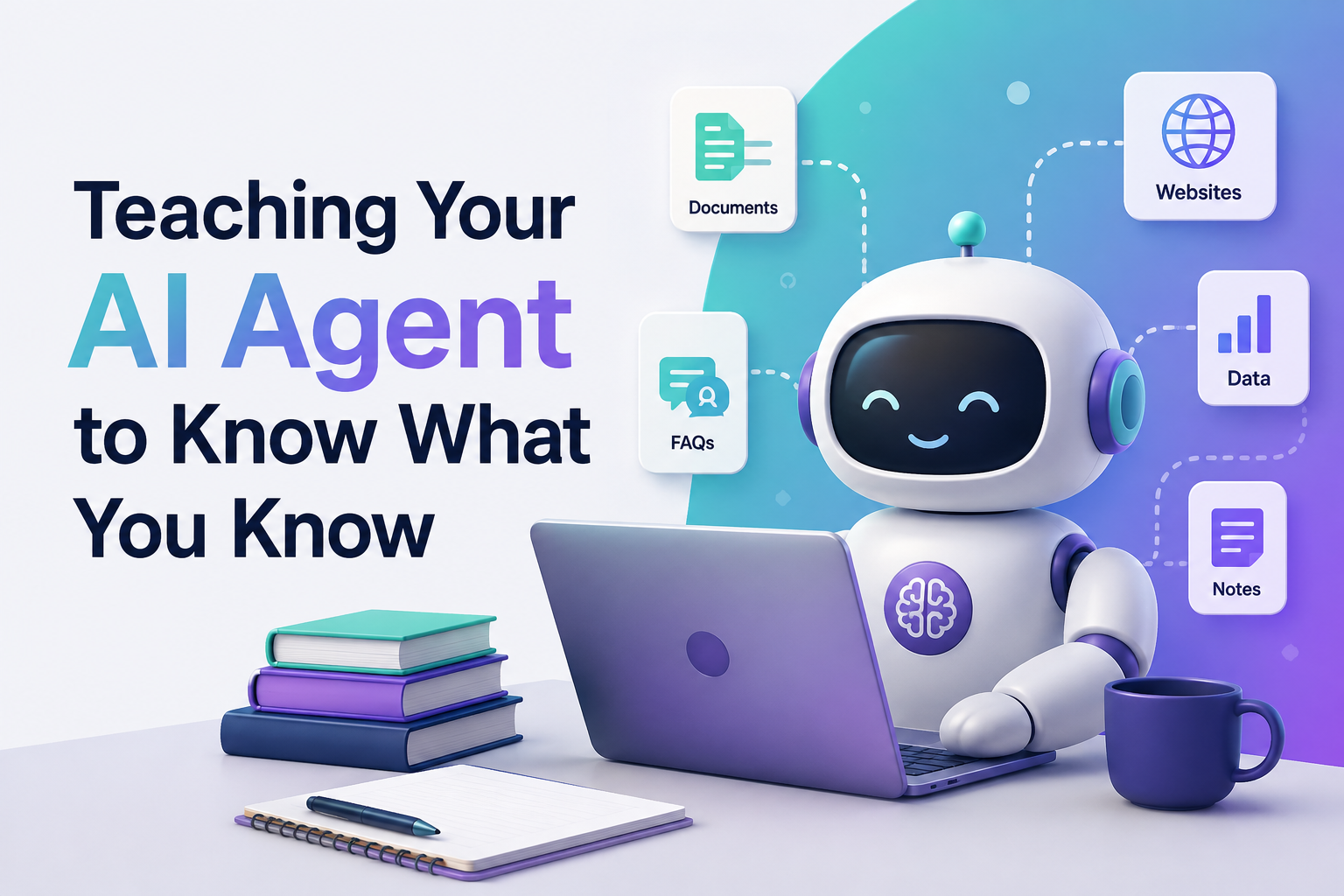
Every business already has the answers its customers need buried in FAQ pages, PDF manuals, help-desk tickets, and old email threads. The real challenge isn't creating more content; it's teaching an AI agent to use what you already have, accurately and consistently, across every channel your customers reach out on.
If you've ever asked, "Can I really get a chatbot or voice agent to sound like my support team instead of a generic script?" the answer is yes, and it starts with how you train it on your knowledge base. Here's a practical, step-by-step approach.
Why FAQ and Knowledge Base Training Matters
An untrained AI agent is just a language model guessing at answers. It might sound confident, but it won't know your refund window, your appointment slots, or your product SKUs. A well-trained agent, on the other hand, becomes an extension of your team it answers with your policies, your tone, and your facts, not generic internet knowledge.
Good training also reduces two of the biggest risks in AI deployment:
- Hallucination: the agent making up answers it doesn't actually know
- Inconsistency: different answers to the same question depending on how it's phrased
Solve both, and you get an agent customers actually trust.
Step 1: Audit and Organize Your Existing Content
Before you feed anything into an AI system, take stock of what you have:
- FAQ pages and help center articles
- Product manuals, pricing sheets, and policy documents
- Past support tickets and chat transcripts (great for real-world phrasing)
- Internal SOPs and onboarding docs
Group this content by topic billing, shipping, technical support, appointments so the agent can retrieve relevant information quickly instead of searching through one giant, unstructured file.
Step 2: Clean and Structure the Data
Raw documents are rarely training-ready. Go through your content and:
- Remove outdated or conflicting information (an AI agent will happily repeat an old price if you let it)
- Break long documents into shorter, question-and-answer style chunks
- Standardize formatting so headings, bullet points, and tables are consistent
- Tag content by category, product, or department for easier retrieval
This step is tedious but it's the single biggest factor in answer accuracy later on.
Step 3: Choose the Right Training Approach
Most modern AI agents use one of two methods, often together:
- Retrieval-Augmented Generation (RAG): the agent searches your knowledge base in real time and pulls the most relevant snippet before answering. This keeps responses current without retraining the whole model every time a policy changes.
- Fine-tuning: the model is adjusted on your specific data and tone. This works well for consistent brand voice but needs retraining whenever information updates.
For most FAQ and support use cases, RAG is the more practical choice it's faster to update and less prone to stale answers.
Step 4: Feed in Real Conversations, Not Just Documents
FAQs tell an agent what to say. Real customer conversations teach it how to say it. Upload anonymized chat logs, call transcripts, and email threads so the agent learns natural phrasing, common follow-up questions, and the edge cases your written docs never covered.
This is also where you catch gaps questions customers ask often that aren't answered anywhere in your knowledge base yet.
Step 5: Set Guardrails and Escalation Rules
Training isn't just about giving answers it's about knowing when not to answer. Define:
- Topics the agent should never guess on (legal, medical, financial specifics)
- A clear handoff point where the conversation routes to a human
- Tone and compliance rules specific to your industry
An agent that says "let me connect you with our team" at the right moment builds more trust than one that bluffs through an answer it doesn't have.
Step 6: Test Across Real Scenarios
Before going live, run the agent through:
- Common questions phrased in different ways
- Edge cases and multi-part questions
- Conversations across every channel it'll operate on voice calls, WhatsApp, email, or web chat
Track where it struggles, retrain those specific gaps, and repeat. Treat this as an ongoing loop, not a one-time setup.
Step 7: Monitor, Update, and Retrain Continuously
Your knowledge base isn't static pricing changes, new products launch, policies get updated. Build a habit of feeding those changes back into the agent's training source regularly, and review flagged conversations where the agent handed off to a human or gave a low-confidence answer. That feedback loop is what keeps accuracy high over time.
Where This Gets Easier With the Right Platform
Doing all of this manually across multiple channels voice, WhatsApp, and email can get complicated fast, especially if each channel needs separate setup. This is where platforms built specifically for multichannel AI agents make a real difference. Aavtaar.ai is designed around exactly this workflow: you connect your existing FAQs, documents, and tone of voice, and the platform trains AI voice, WhatsApp, and email agents to answer accurately and on-brand from a single shared knowledge base without needing to code or maintain separate training pipelines for each channel.
Final Thoughts
Training an AI agent on your FAQs and knowledge base isn't a one-time upload it's an ongoing process of organizing, cleaning, testing, and refining. Get the foundation right, and you end up with an agent that genuinely reflects how your business answers questions, saving your team time while keeping customers well served around the clock.