
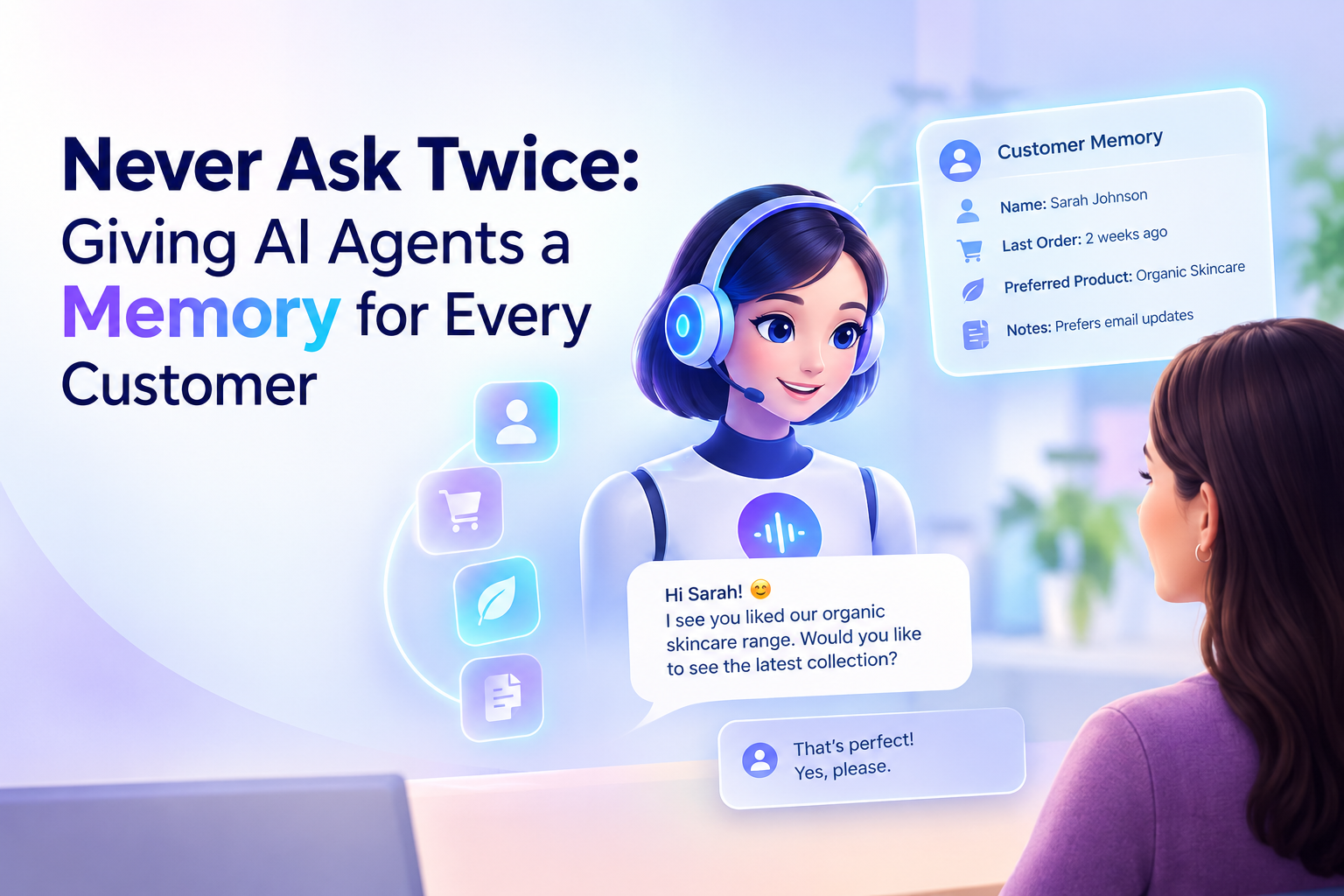
Think of the last time you called support and heard, "Can I have your name, order number, and what the issue is?" for the third time. You had already explained everything on chat yesterday and in an email last week.
Customers don't judge a company by how smart its AI is. They judge it by whether it remembers them. AI agent memory is the capability that fixes this. It lets an AI agent recall past conversations with the same customer and pick up the thread instead of starting over.
This guide covers what AI agent memory is, how agents recall past conversations, and what to look for when you deploy it.
What Is AI Agent Memory?
AI agent memory is a system that lets an AI agent store, retrieve, and use information from earlier interactions with a customer. An agent without memory treats every message as the first. An agent with memory knows who the customer is, what they asked before, what was promised, and what is still open.
Memory is not the same as a chat log. A log is a pile of text. Memory is organized, searchable, and tied to a specific customer, so the agent can use it in the moment.
Why Customer Memory Matters
Customers hate repeating themselves. Repeating details is one of the most common complaints in customer service. Every repeated question adds friction and signals that the company isn't paying attention.
Context shortens conversations. If the agent already knows the customer's plan, last order, or earlier concern, it can skip the discovery questions and go straight to the answer. That means faster resolutions and lower handling time.
Continuity builds trust. When an agent says, "Last time you asked about the premium plan, shall we continue from there?", the customer feels recognized. That is hard to fake with scripts.
Sales and support stay connected. A lead who asked about pricing last week should not be treated like a stranger today. Memory lets agents follow up naturally and move prospects forward.
How AI Agents Recall Past Conversations
Under the hood, customer memory usually combines several layers.
1. Short-term (session) memory
This holds the current conversation: what the customer just said, what the agent answered, and what is pending. It lets the agent follow a multi-step request without losing track, such as "Change the appointment to Thursday... actually, make it the afternoon."
2. Long-term memory
This is what persists after the conversation ends: preferences, past issues, commitments, outcomes, and key facts. When the same customer returns, the agent retrieves the relevant parts instead of reading the entire history.
3. Customer identification
Memory only works if the agent knows who it's talking to. Agents typically link a customer through a phone number, WhatsApp number, email address, or account ID, then attach every interaction to that single profile.
4. Summarization and retrieval
Replaying every old message would be slow and noisy. Good systems condense past interactions into short summaries and pull up only what's relevant to the current request. A customer asking about a delivery doesn't need the agent to recall a billing question from months ago.
5. Connection to business systems
Conversation memory becomes far more useful when it's synced with the CRM, helpdesk, and calendar. That way the agent sees not just what was said, but also ticket status, appointments, and account details, and its notes stay available to your team.
The Real Challenge: Memory Across Channels
Customers don't stay on one channel. They might call in the morning, message on WhatsApp in the afternoon, and email a document in the evening. If each channel has its own silo, memory breaks the moment the customer switches.
This is where a unified approach matters. Platforms like Aavtaar.ai run voice, WhatsApp, and email agents on one shared brain and one set of records. A customer who gave their details on a call doesn't have to repeat them in a WhatsApp chat, and an email reply can reflect what was agreed on the phone. Because everything lands in one record, the experience feels like talking to one attentive team member, not three disconnected tools.
A Simple Example
Consider a customer enquiring about a course or a service:
- Monday, phone call: The customer says they're interested, mentions their budget, and asks for a follow-up on Thursday.
- Thursday, WhatsApp: The agent opens with a reminder, references the budget, and shares matching options. No re-qualifying is needed.
- Friday, email: The customer asks a pricing question. The agent replies with full awareness of the earlier conversations and routes the thread to sales if a human is needed.
At no point did the customer repeat themselves, and the sales team inherited a complete picture.
Human Handoff Needs Memory Too
Even the best AI agent will sometimes need to pass a conversation to a person. Memory is what makes that handoff smooth. When the transfer includes the full context (who the customer is, what they asked, and what has been tried), the human agent can step in immediately. The customer never has to start from zero.
Best Practices for Using Agent Memory Responsibly
Remembering customers comes with responsibility. Keep these principles in mind:
- Remember what's useful, not everything: Store information that improves service, such as preferences, issues, and commitments. Don't hoard personal details with no clear purpose.
- Be transparent: Let customers know that conversations may be recorded and used to improve their experience.
- Secure the data: Use encryption, access controls, and audit trails for stored conversations.
- Respect privacy rules: Follow applicable data-protection requirements and give customers ways to correct or delete their information where required.
- Keep memory accurate: Outdated memory is worse than none. Make sure records update when a customer's situation changes.
- Set guardrails: Define what the agent may recall and mention, and when it should escalate to a human.
What to Look for in an AI Agent With Memory
When evaluating platforms, ask:
- Does memory work across voice, chat, and email, or only inside one channel?
- Can the agent identify returning customers reliably?
- Does it integrate with your CRM, helpdesk, and calendar?
- Does a human handoff carry the full conversation context?
- Are there analytics so you can review how conversations are going?
- What security and compliance measures protect stored conversations?
- How quickly can you go live, and do you need developers to do it?
Conclusion
Customers expect businesses to remember them. AI agent memory makes that possible at scale, turning isolated chats and calls into one continuous relationship. The result is shorter conversations, fewer frustrated customers, better handoffs, and more informed sales and support teams.
If your customers still have to repeat themselves, memory is the upgrade that matters most. Start with one channel, connect it to your existing systems, and expand once you see the difference continuity makes.